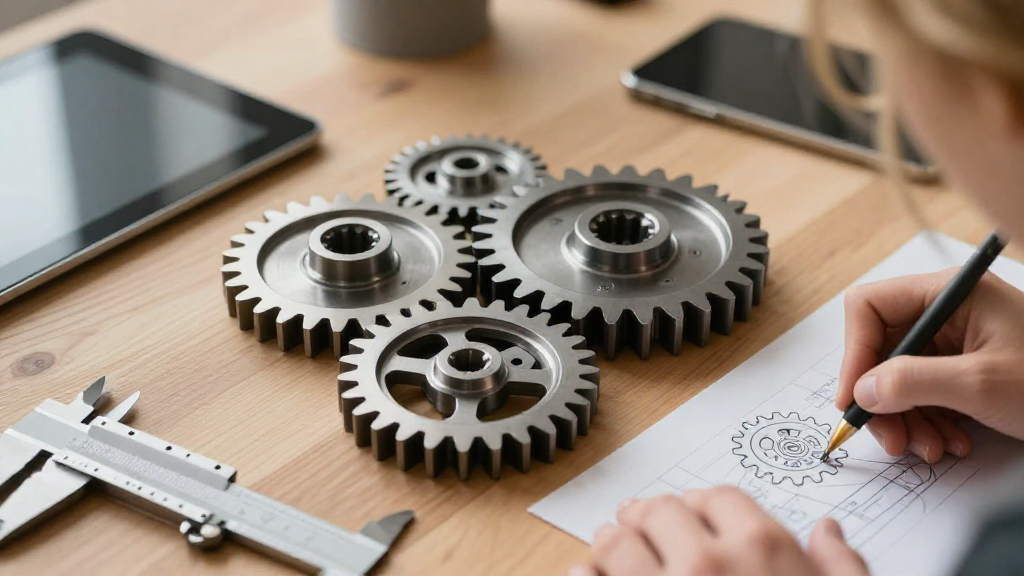
When it comes to 3D gear modeling, having the right techniques can make all the difference in achieving realistic and functional designs.
What Are the Key Considerations in 3D Gear Modeling?
When you embark on the journey of 3D gear modeling, several crucial factors will determine the quality and functionality of your models.
-
Understanding Gear Types:
– Spur Gears: Simple, with straight teeth.
– Helical Gears: Teeth are set at an angle, allowing for smoother operation.
– Bevel Gears: Adapted to transfer motion between shafts at different angles. -
Scale and Measurement:
– Use accurate measurements to ensure that the gear fits appropriately in your assembly.
– Consider the gear ratios, tooth counts, and diameters for performance. -
Material Selection:
– Choose the right material based on the application (e.g., plastic for prototyping, metal for functional gears).
What Tools Can Help with 3D Gear Modeling?
When diving into 3D gear modeling, utilizing the right software tools can significantly enhance your workflow.
- CAD Software: Tools like SolidWorks, Fusion 360, and AutoCAD offer specialized functions for designing gears.
- Plugins and Add-ons: These can facilitate the modeling process or provide predefined gear templates.
How Do You Create Accurate Gear Teeth?
Creating accurate gear teeth is a pivotal part of 3D gear modeling. Here are tips to consider:
-
Tooth Profile Design:
– Use standard profiles, such as the involute curve.
– Adjust parameters like the pitch radius and number of teeth to match your design specifications. -
Use Gear Templates:
– Many CAD programs allow access to gear templates.
– Using a template ensures that the fundamental proportions remain accurate. -
Verification:
– Always double-check gear mesh and interactions.
– Use simulation tools to confirm that the gears will operate correctly together.
What Are the Best Practices for Detailing Gears?
Detailing is crucial to ensure both aesthetics and functionality in 3D gear modeling. Here are some practices to follow:
- Fillets and Chamfers:
- Adding fillets can help with manufacturing processes like 3D printing.
-
Chamfers can make edges less sharp, improving their appearance and function.
-
Textures and Finishes:
- Incorporate appropriate textures based on the material and application.
-
Use finishes that replicate metallic or plastic surfaces to enhance realism.
-
Sizing and Arrangement:
- Ensure the gears are proportionately sized in relation to surrounding components.
- Maintain a proper distance between adjacent gears to avoid interference.
How Do You Optimize for 3D Printing?
Optimization is essential when preparing your 3D gear modeling for printing. Consider the following tips:
- Avoiding Overhangs:
-
Design gears with a conscious approach to minimize unsupported structures.
-
Layer Height and Print Speed:
- Choose an appropriate layer height to balance detail and printing time.
-
Adjusting print speed can improve the quality of small, intricate details.
-
Support Structures:
-
Use software-generated supports only where absolutely necessary to reduce post-processing.
-
Orientation:
- Position gears for optimal strength and detail retention during printing.
What Is the Importance of Testing Gear Functionality?
Testing is essential in 3D gear modeling to ensure that designs perform as expected. Here’s how to go about it:
- Simulation Software:
- Use simulation tools to inspect motion, stress, and durability.
-
Test how different gear ratios affect performance.
-
Prototyping:
- Create physical prototypes to gauge usability.
- Focus on testing for clearances, tooth engagement, and overall functionality.
How Can You Incorporate Feedback into Your Gear Designs?
Feedback is a cornerstone in refining your designs in 3D gear modeling. Here’s how to effectively integrate it:
-
Peer Reviews:
– Share your designs with peers for input on functionality and aesthetics.
– Be open to constructive criticism as it can vastly improve your work. -
User Testing:
– Gather feedback from end-users who will actually employ the gears in practical applications. -
Iterative Design:
– Employ an iterative process, making incremental changes based on received feedback.
What Resources Are Available for Further Learning?
To elevate your skills in 3D gear modeling, leverage various resources:
- Online Courses:
-
Platforms like Udemy, Coursera, and Lynda offer comprehensive courses on CAD and 3D modeling.
-
Webinars and Meetups:
-
Join webinars or local meetups to network and learn from experienced professionals.
-
Online Communities:
- Engage with forums and social media groups focused on CAD and 3D design to share insights and techniques.
Conclusion
Utilizing these 3D gear modeling tips can enhance your workflow and lead to higher-quality, functional designs.
By paying attention to gear types, selecting the right tools, optimizing for 3D printing, and remaining open to feedback, you can continually refine your skills.
As you put these tips into practice, you’ll become more adept at creating gear models that are not only visually impressive but also perform exceptionally well in real-world applications.
Happy modeling!